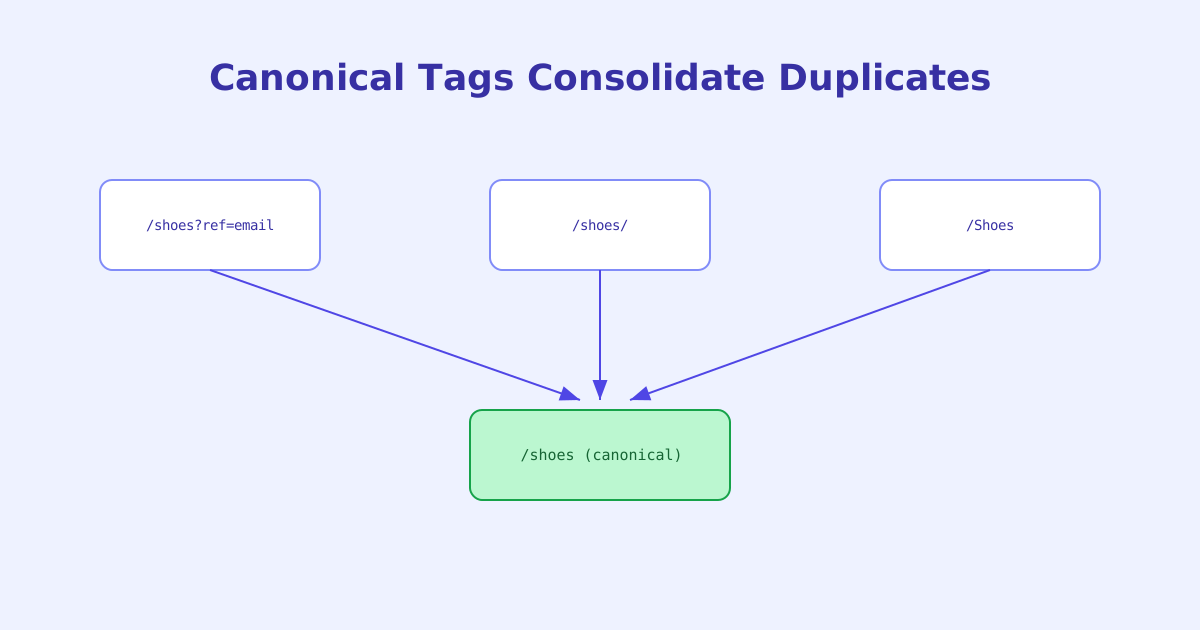
Duplicate content doesn’t usually come from copying and pasting the same article twice. It comes from the same page being reachable through several different URLs, a tracking parameter, a trailing slash, a case difference, without anyone intending to create duplicates at all. Canonical tags exist specifically to resolve that ambiguity, and getting them wrong is one of the quieter ways a page can lose search visibility without any visible error.
- A canonical tag tells search engines which URL is the authoritative version among several that show the same or very similar content
- Unlike a redirect, a canonical tag lets every duplicate URL keep loading normally, it only affects indexing and ranking treatment
- Duplicate content usually comes from URL variations, tracking parameters, trailing slashes, case differences, not copy-pasted text
- A canonical tag pointing to a broken or wrong URL can quietly remove a working page from search results with no visible symptom
- Canonical tags are a strong signal, not an absolute rule, search engines can still choose a different canonical URL under some conditions
What a Canonical Tag Actually Does
A canonical tag is a line in a page’s <head> that names one specific URL as the authoritative version of that content:
<link rel="canonical" href="https://example.com/product/blue-shoes" />When several URLs serve the same or highly similar content, /product/blue-shoes, /product/blue-shoes?ref=email, /product/blue-shoes/, a canonical tag on each of them pointing to one shared URL tells search engines to treat that one URL as the version worth indexing and ranking, while the others remain fully functional pages, just not the ones search engines will prefer to show.
Where Duplicate Content Actually Comes From
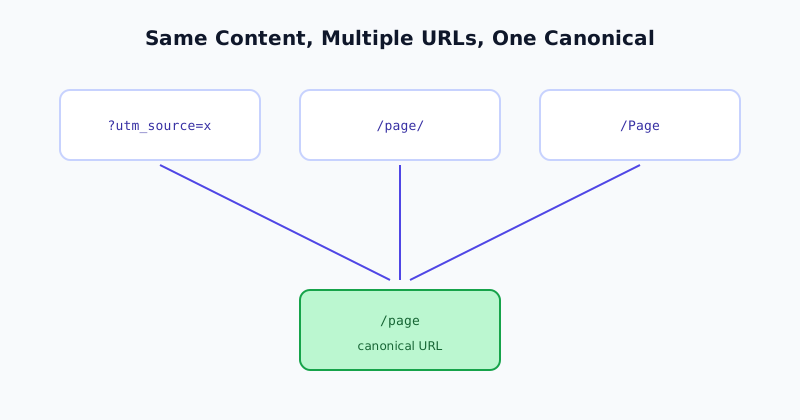
It’s tempting to think of duplicate content as a content problem, the same article published twice, but in practice it’s overwhelmingly a URL structure problem. The same page becoming reachable through multiple distinct URLs happens through entirely ordinary mechanisms:
- Tracking parameters —
?utm_source=newsletterappended to a shared link technically creates a new, distinct URL serving identical content. - Trailing slash inconsistency —
/pageand/page/are technically different URLs unless a site’s configuration treats them as equivalent. - Case differences —
/Productand/productare different URLs on most servers, even though they’re the same page to a person. - www vs. non-www, or http vs. https — each combination is a technically distinct URL capable of serving the identical page.
- Session IDs or sort/filter parameters — an e-commerce category page sorted by price versus by name can generate several URLs for what a person would consider “the same page.”
None of these require any intentional duplication. They’re side effects of how URLs and web servers work, which is exactly why canonical tags are needed even on sites where nobody ever copy-pasted content anywhere.
The Mistakes That Cause Real Damage
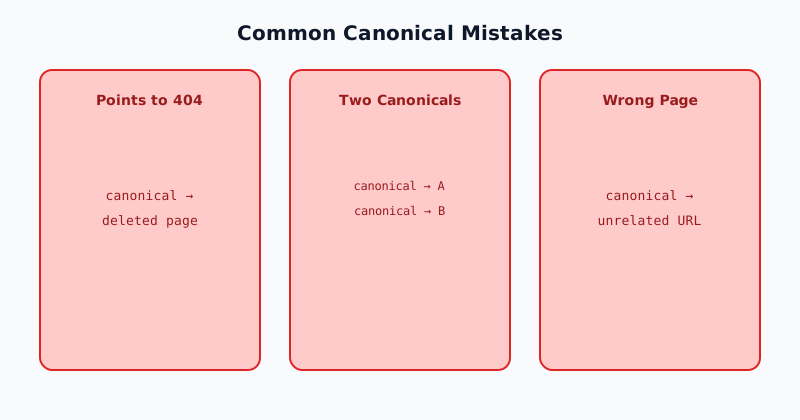
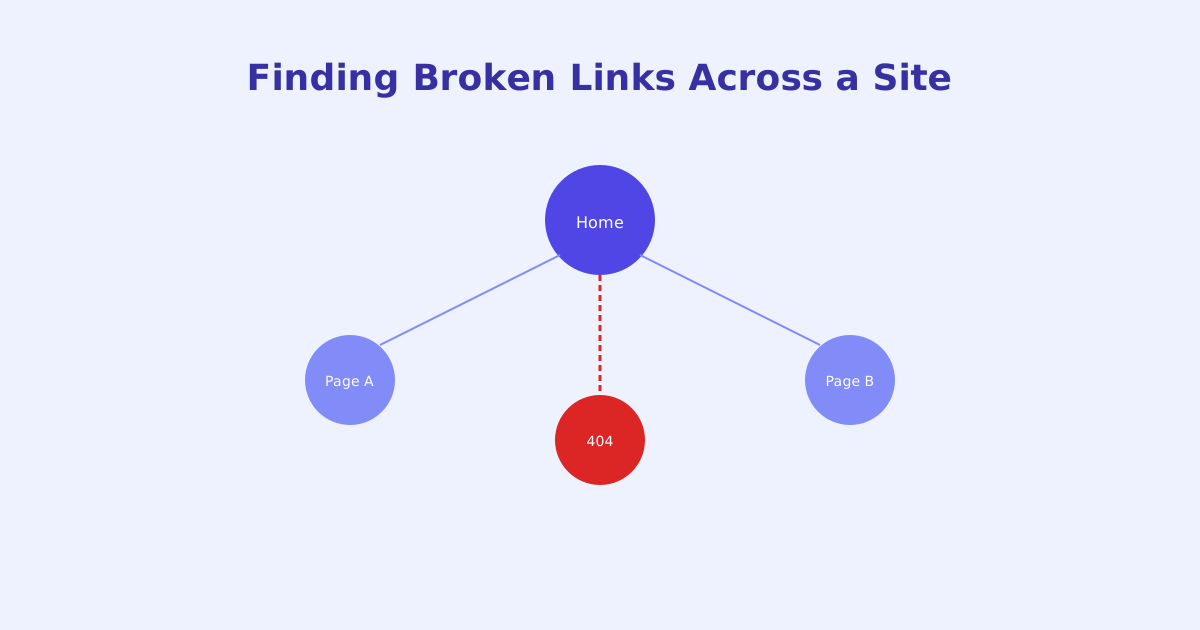
Canonicalizing to a broken URL. If a canonical tag points to a URL that returns a 404, or has since been deleted, the page effectively tells search engines “the real version of me doesn’t exist,” which can result in the working page being dropped from indexing without any error appearing on the page itself.
Multiple canonical tags on one page. A page with two different <link rel="canonical"> tags creates ambiguity with no defined resolution, different crawlers may handle it differently, and neither behaves as reliably as a single, unambiguous canonical tag would.
Canonicalizing to an unrelated page. This sometimes happens through templating bugs, a canonical tag accidentally pulling in the wrong URL variable, silently telling search engines that page A is a duplicate of unrelated page B, which can suppress page A from search results entirely.
Missing self-referencing canonicals. A page with no canonical tag at all isn’t necessarily broken, but it’s more exposed to future duplication, a new tracking parameter or URL variant showing up later has nothing telling search engines which version is authoritative.
Canonical Tags Are a Signal, Not a Command
It’s worth being precise about how much authority a canonical tag actually carries. Search engines treat it as a strong signal and generally follow it, but not as an absolute, mechanically enforced directive the way a redirect or a noindex tag is. Under some conditions, conflicting signals elsewhere on the site, like internal linking patterns consistently pointing to a different URL variant, search engines can choose a different canonical URL than the one specified. This doesn’t make canonical tags unreliable in normal use, but it does mean a canonical tag alone can’t force an outcome the rest of a site’s structure actively contradicts.
Checking Canonical Tags at Scale
Because canonical mistakes produce no visible symptom on the page itself, a broken or self-contradicting canonical tag can sit unnoticed indefinitely. The Canonical Tag Checker fetches a page’s canonical tag directly, confirms whether it resolves to a real, live URL, and flags common issues like multiple canonical tags or a canonical pointing somewhere unexpected. For duplicate content concerns that stem from crawler access rather than indexing signals, the Robots.txt Tester covers that separate, related layer.
The short version
A canonical tag tells search engines which URL among several similar ones should be treated as authoritative, without redirecting or hiding any of the duplicate URLs from actually working. Duplicate content usually comes from ordinary URL variations, tracking parameters, trailing slashes, case differences, rather than intentionally copied content, which is why canonical tags matter even on sites that never duplicate content on purpose. The most damaging mistakes, a canonical pointing to a broken or wrong URL, produce no visible symptom, making them easy to miss without directly checking what a canonical tag actually resolves to.