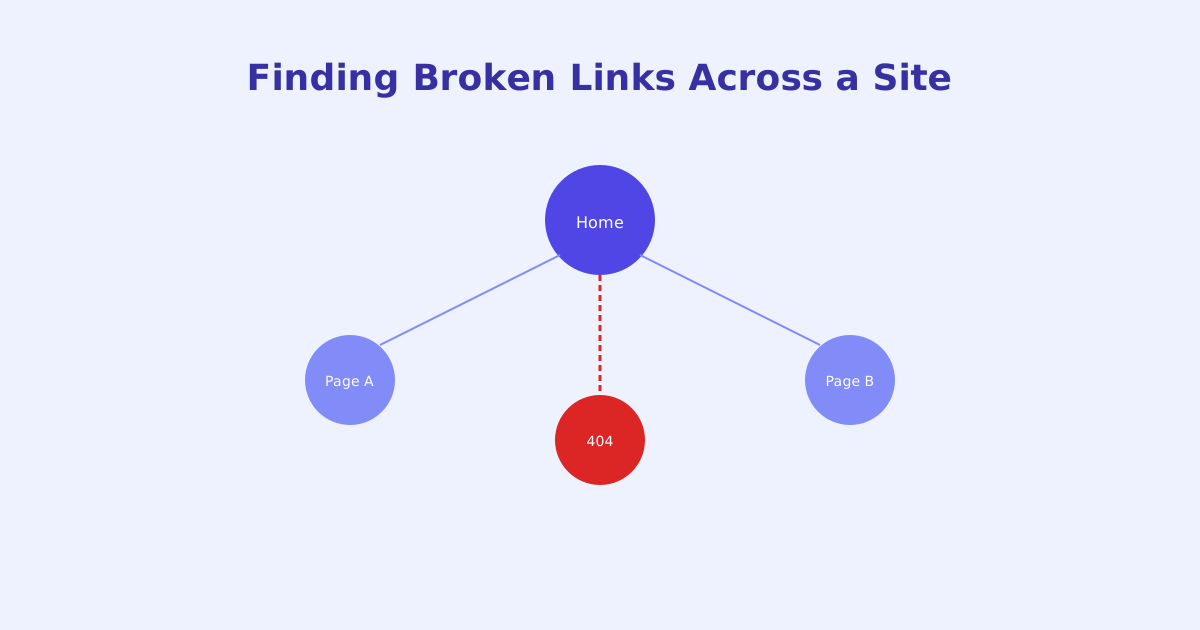
Links break quietly. A page that worked perfectly when it was linked to can disappear or move months later, with nothing on the linking page itself changing at all. Left unchecked, broken links accumulate across a site’s lifetime, and by the time someone notices, there can be dozens or hundreds scattered across years of content. This guide covers why they happen, why they’re worth fixing, and a practical process for finding and clearing them.
- A link can break long after it was added, entirely because of changes on the destination page, not the linking page
- Broken links hurt both user trust and crawl efficiency, wasting crawl budget and breaking the flow of internal link authority
- Internal broken links are fully within your control to fix; external ones depend on a site you don't control
- Whether to redirect or remove a broken link depends on whether the original content still exists somewhere else
- Broken links accumulate gradually, so periodic full-site checks catch what individual page reviews miss
Why Links Break Even When Nothing on Your Site Changes
The counterintuitive part of broken links is that the page containing the link often hasn’t changed at all. What changed is the destination. A page you linked to a year ago can be moved, renamed, restructured, or deleted by whoever controls it, and your link has no way of knowing that happened, it just keeps pointing at a URL that no longer resolves.
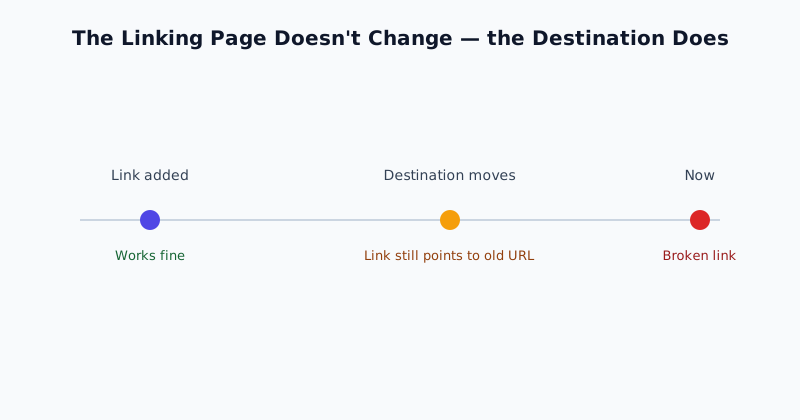
This is true for both internal and external links, but the distinction between the two matters for how fixable each one is.
Internal vs. External: Different Causes, Different Fixes
Internal links point to other pages on your own site, which means a broken one is entirely within your control. It usually traces back to a page being deleted, a URL slug being changed without a redirect, or a typo in the link itself. Because you control both ends, internal broken links are typically the easiest to actually fix, and they’re also the ones most directly affecting your own site’s crawl efficiency and internal link structure.
External links point to other sites, and they break for reasons completely outside your control: the other site restructures its URLs, shuts down, or removes the specific page you linked to. You can’t prevent this, but you can still find and address it, either by updating the link to a working replacement or removing it if no reasonable alternative exists.
Why Broken Links Cost More Than They Look Like They Do
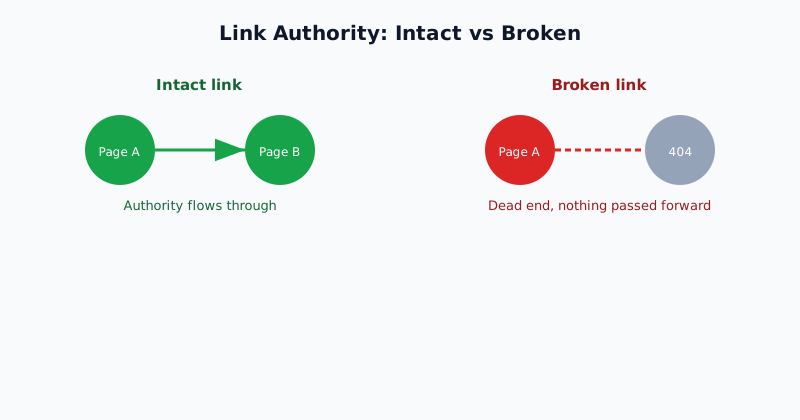
For a visitor, a broken link is an immediate, visible dead end, one that can end a visit or damage trust in the site’s overall quality, especially if it happens more than once. For crawlers, the cost is less visible but just as real: a broken internal link wastes crawl budget on a URL that returns nothing useful, and it breaks the chain by which link authority flows between pages on a site, since a dead link passes nothing forward to wherever it was supposed to point.
Neither cost is usually severe from a single broken link. The problem is that broken links accumulate, and a site that’s gone years without a check can easily be carrying dozens scattered across old content, each one a small, compounding drag on both user experience and crawl efficiency.
A Practical Process for Finding and Fixing Them
- Scan the full site, not just recent pages. Broken links concentrate in older content precisely because it’s had the most time for destination pages to change. A scan limited to recently published pages will miss most of the actual problem.
- Separate internal from external results. Internal broken links are fully actionable immediately; external ones need a judgment call on whether a replacement exists.
- Decide redirect vs. remove for each internal break. If the content moved, point the old URL to its new location. If it’s genuinely gone, update or remove the link rather than leaving a dead end or redirecting somewhere unrelated just to avoid a 404.
- Prioritize high-traffic and high-link-count pages first if the full list is large, since fixing those delivers the most immediate benefit to both users and crawl efficiency.
- Re-check periodically, especially after migrations. A one-time cleanup doesn’t prevent new breaks from forming; site restructurings and content deletions are the moments most likely to introduce a fresh batch all at once.
Finding Broken Links Without Clicking Every One by Hand
Manually clicking through every link on a site of any real size isn’t practical, and it’s easy to miss links buried in older content that rarely gets revisited. The Broken Link Checker crawls a site’s pages and reports which links return an error, distinguishing internal from external so the most actionable fixes surface first. For broken links that turn out to be the result of an underlying redirect problem rather than a genuinely missing page, the Redirect Chain Checker can help trace what’s actually happening at the destination.
The short version
Links break primarily because their destination changes, not because anything on the linking page does, which is why they accumulate quietly over a site’s lifetime rather than announcing themselves. Internal broken links are fully within your control to fix and matter most for crawl efficiency; external ones depend on sites you don’t control but are still worth periodically checking. A practical process, full-site scans, internal-first prioritization, and redirect-or-remove decisions based on whether content still exists, keeps the count from growing into something unmanageable.