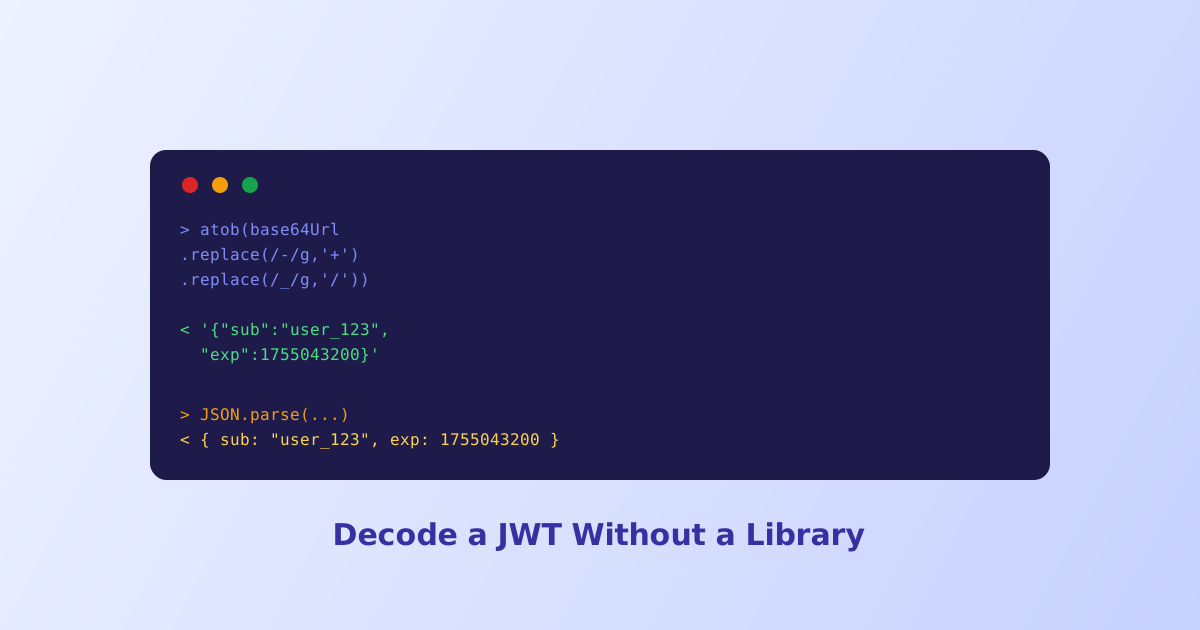
Every JWT decoder online is really just running two lines of logic under the hood: split the string on its dots, then base64url-decode two of the three pieces. You don’t need a package installed or a website to do this, the browser’s own developer console can decode a token in a few lines. This guide walks through exactly how, plus the one encoding quirk that breaks the naive approach.
- Decoding a JWT only needs base64url decoding plus
JSON.parse, both built into every browser - JWTs use base64url, not standard base64, so raw segments need character swaps before
atob()will accept them - Only the header and payload can be decoded; the signature is a hash output with nothing to decode
- Decoding proves nothing about authenticity, only verifying the signature with the correct key does that
expandiatclaims are Unix timestamps in seconds, multiply by 1000 for JavaScript'sDate
Step 1: Split the Token Into Its Three Segments
A JWT is one string with two dots in it. Splitting on those dots gives you the header, payload, and signature as three separate substrings:
const token = "eyJhbGciOiJIUzI1NiJ9.eyJzdWIiOiJ1c2VyXzEyMyIsImV4cCI6MTc1NTA0MzIwMH0.4f3a9c8b1e2d";
const [headerB64, payloadB64, signature] = token.split(".");
Only the first two pieces are worth decoding further. The third, the signature, is the raw output of a hashing algorithm, not encoded text, so there’s nothing readable to reveal from it no matter what decoding is attempted.
Step 2: Handle base64url, Not Standard base64
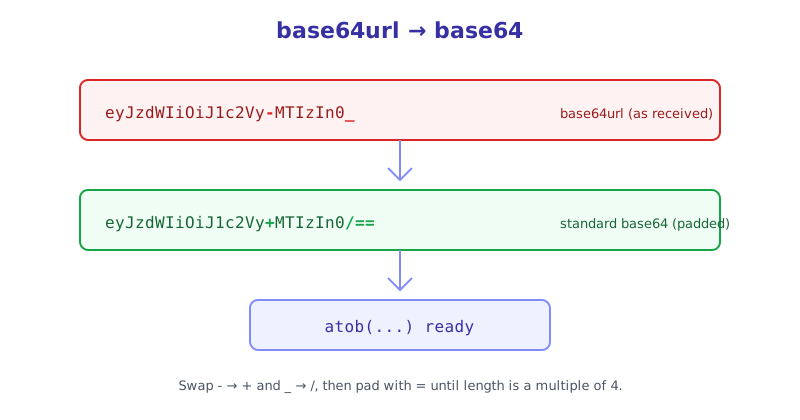
This is the step that trips up most manual attempts. JWTs are encoded with base64url, a variant that swaps two characters and typically drops padding, specifically to stay safe inside URLs. The browser’s built-in atob() function expects standard base64, so feeding it a raw JWT segment directly often throws an error.
function base64UrlDecode(str) {
  // Swap base64url's URL-safe characters back to standard base64
  let base64 = str.replace(/-/g, "+").replace(/_/g, "/");
  // Restore padding, base64 length must be a multiple of 4
  while (base64.length % 4 !== 0) {
    base64 += "=";
  }
  return atob(base64);
}
Skipping this step is why pasting a JWT segment straight into atob() in the console frequently throws InvalidCharacterError, the input simply isn’t valid standard base64 yet.
Step 3: Parse the Decoded String as JSON
Once base64UrlDecode returns a plain string, it’s just JSON text at that point, ready for JSON.parse:
const header = JSON.parse(base64UrlDecode(headerB64));
const payload = JSON.parse(base64UrlDecode(payloadB64));

console.log(header);  // { alg: "HS256", typ: "JWT" }
console.log(payload); // { sub: "user_123", exp: 1755043200 }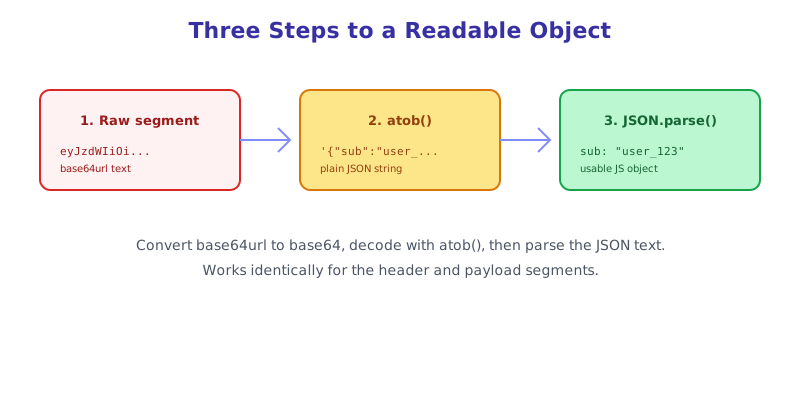
That’s the entire process for reading a token’s contents, four lines of plain JavaScript with nothing installed. Copy this snippet into any browser console, paste in a real token, and it decodes instantly.
Turning exp and iat Into Readable Dates
Claims like exp and iat come back as raw numbers, Unix timestamps counted in seconds. To turn one into an actual date:
const expiresAt = new Date(payload.exp * 1000);
console.log(expiresAt.toLocaleString());
The multiplication by 1000 matters because JavaScript’s Date constructor expects milliseconds, while JWT timestamps are specified in seconds, forgetting this conversion produces a date decades off from what’s intended.
When You Just Want the Answer Without Typing Code
The console approach is genuinely useful for understanding what’s happening, but typing it out every time you need to check a token gets old fast. The JWT Decoder runs this exact base64url-to-JSON logic behind a paste box, formats both the header and payload as readable JSON, converts exp and iat into actual dates automatically, and flags an already-expired token, all without the token ever leaving your browser.
The short version
Decoding a JWT by hand takes four lines of JavaScript: split the token on its dots, convert the base64url segments back to standard base64 by swapping characters and restoring padding, run them through atob(), then JSON.parse the result. The signature can’t be decoded the same way since it’s a hash output, not encoded text. Remember that decoding only reveals what’s inside a token, it says nothing about whether the token is genuine, that requires actually verifying the signature against the correct secret key.