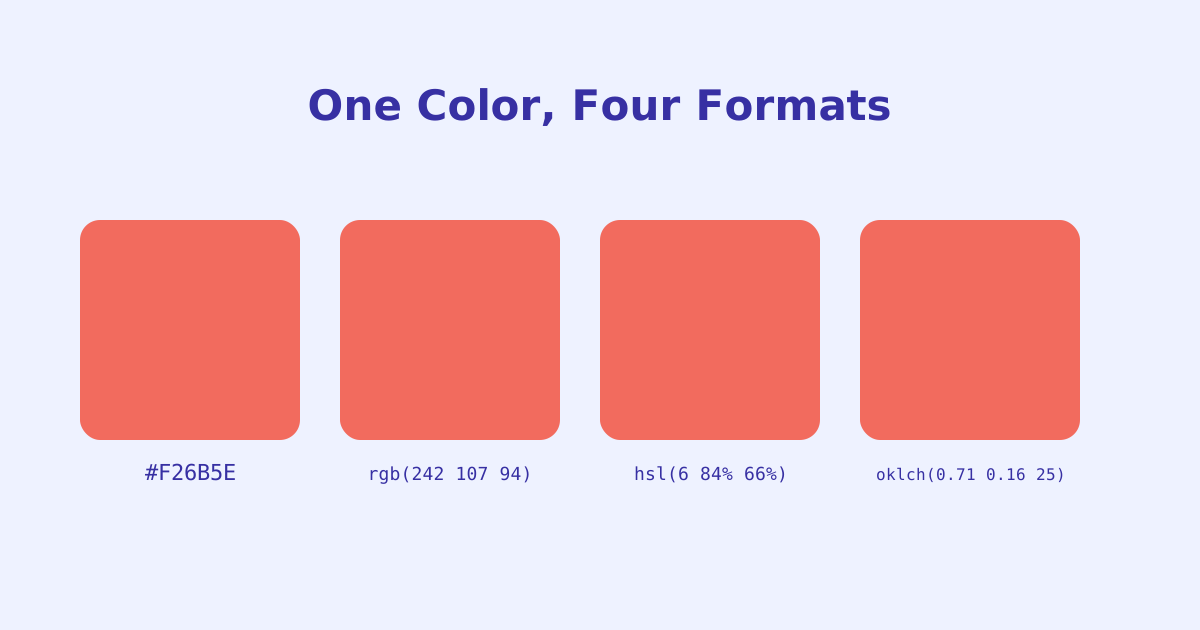
Every CSS color eventually becomes the same thing under the hood, a set of numbers describing red, green, and blue light. HEX, RGB, HSL, and OKLCH are just different ways of writing that same underlying color, each suited to a different way of thinking about it. This guide walks through what each format actually represents, why OKLCH has been showing up in more CSS lately, and which format fits which situation.
- HEX and RGB describe the same red/green/blue model, just written differently, neither is more "accurate" than the other
- HSL is built around hue, saturation, and lightness, which makes it easier to reason about and adjust by hand
- OKLCH is perceptually uniform, meaning equal changes in its lightness value look equally different to the human eye, which HSL doesn't guarantee
- OKLCH also supports a wider color gamut than the other three, so it can represent colors HEX/RGB/HSL simply can't
- There's no wrong format, pick based on what you're doing: authoring by hand, generating programmatically, or building a consistent design-system scale
The Four Formats at a Glance
The same coral color can be written four different ways, and all four describe the exact same visible color.
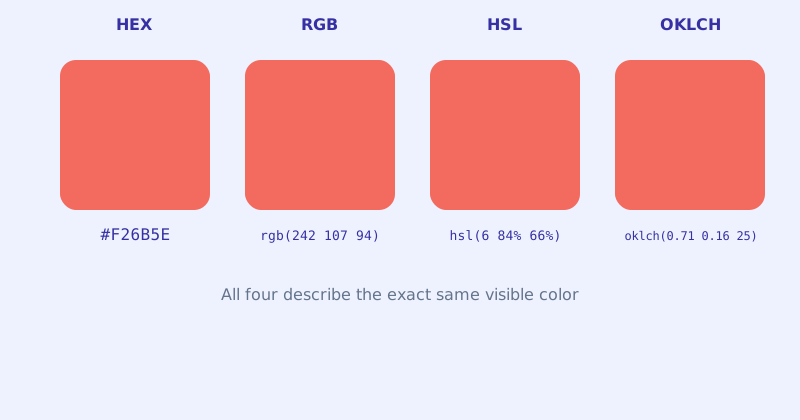
| Format | Example | Model |
|---|---|---|
| HEX | #F26B5E |
Red/green/blue as base-16 pairs |
| RGB | rgb(242 107 94) |
Red/green/blue as base-10 numbers |
| HSL | hsl(6 84% 66%) |
Hue, saturation, lightness |
| OKLCH | oklch(0.71 0.16 25) |
Perceptual lightness, chroma, hue |
HEX: Compact and Universally Recognized
HEX packs a color’s red, green, and blue channels into a six-digit base-16 string, #F26B5E, or eight digits when an alpha channel is included. It’s the format most design tools export by default and the one nearly every developer recognizes on sight, which makes it a reasonable default for one-off values pulled from a mockup. What it’s not good for is editing by eye. There’s no intuitive way to look at #F26B5E and know how to make it 10% lighter without running it through a converter first.
RGB: The Same Model, Easier to Manipulate Programmatically
RGB describes the identical red/green/blue model as HEX, just written as three base-10 numbers instead of a packed hex string: rgb(242 107 94). Modern CSS also allows an alpha value directly in the same function, rgb(242 107 94 / 0.5), replacing the older separate rgba() syntax. RGB’s real advantage shows up in code rather than in a stylesheet: multiplying, clamping, or interpolating three plain numbers in JavaScript is far more natural than doing the same math on a hex string.
HSL: Thinking in Hue, Saturation, and Lightness
HSL swaps the RGB channels for three values that map more closely to how people actually describe color: hue (a position around a 360-degree color wheel), saturation (how vivid vs. gray), and lightness (how close to black or white). This makes small manual adjustments genuinely easier. Want a darker version of a brand color? Lower the lightness percentage and leave hue and saturation untouched, something that’s much harder to eyeball correctly in HEX or RGB.
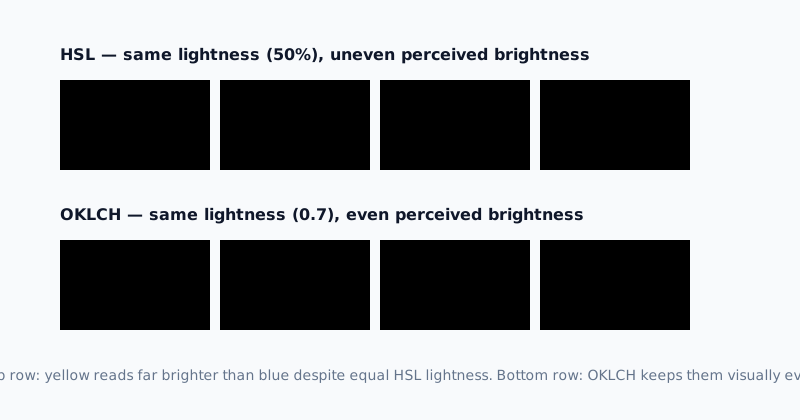
The catch is that HSL’s lightness value isn’t perceptually consistent. hsl(60 100% 50%) (a bright yellow) and hsl(240 100% 50%) (a deep blue) share the same lightness number but look nowhere near equally bright to the human eye.
OKLCH: Built for Perceptual Consistency
OKLCH is the newest of the four, part of the CSS Color Module Level 4 specification, and it’s the format actually solving HSL’s inconsistency problem. It’s built on the Oklab color space, which was specifically designed to match human perception, so two OKLCH colors with the same lightness value really do look equally bright, regardless of hue.
OKLCH also supports colors outside the sRGB gamut that HEX, RGB, and HSL simply cannot express, which matters more each year as wide-gamut displays become standard. That combination, perceptual uniformity plus a wider gamut, is the main reason OKLCH has been showing up in more CSS resets, design systems, and color-scale generators recently.
Which Format Should You Use When
- Copying a value straight from a design tool or brand guide — HEX is fine, there’s no real benefit to converting it.
- Generating or interpolating colors in JavaScript — RGB’s plain numbers are the easiest to do math on.
- Hand-tweaking a color’s darkness or vividness while writing CSS — HSL is intuitive and widely supported.
- Building a consistent lightness scale across many hues, like a design system’s color tokens — OKLCH is the format actually designed for this.
Converting between them by hand is tedious and error-prone, especially for OKLCH’s decimal lightness/chroma values. The Color Format Converter converts a color between all four formats instantly, and pairs well with the CSS Unit Converter when you’re translating an entire set of design values at once. If you’re starting from an existing image or logo rather than a single known color, the Palette Extractor pulls out a usable palette first.
The short version
HEX, RGB, HSL, and OKLCH all describe the same underlying red/green/blue color, just organized differently: HEX and RGB are the raw channels, HSL reorganizes them around hue/saturation/lightness for easier manual tweaking, and OKLCH goes a step further by making that lightness value perceptually consistent across every hue, while also unlocking a wider color gamut. None of them is objectively correct, the right one depends on whether you’re copying a value, computing with it, adjusting it by eye, or building a consistent scale.