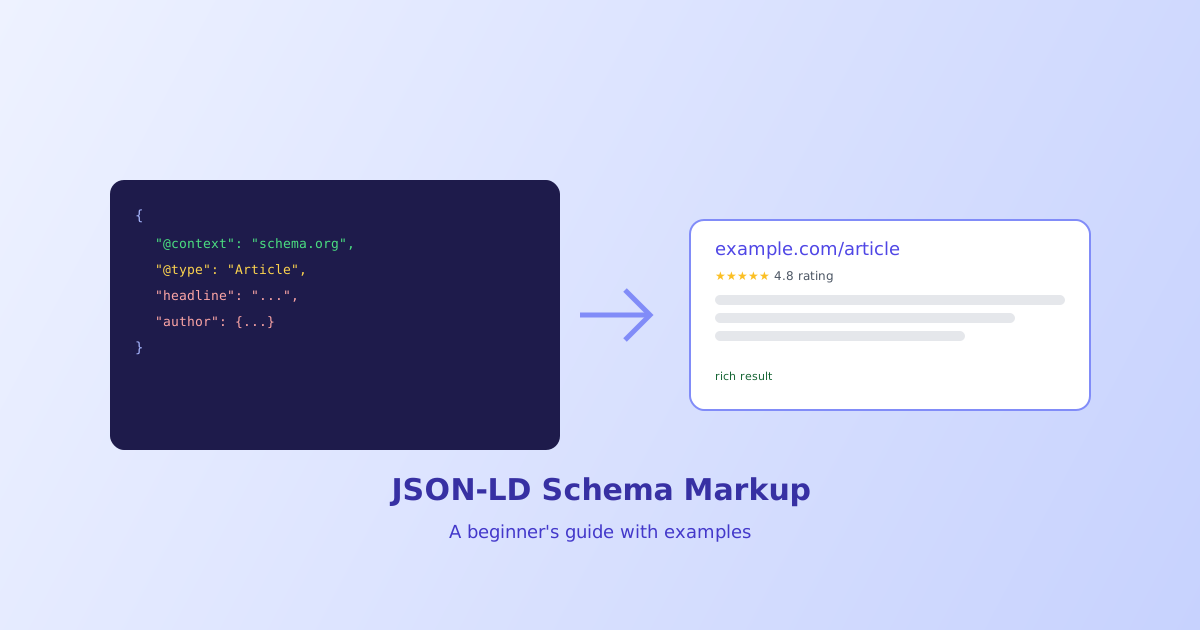
JSON-LD is how a page tells search engines exactly what it’s about in a structured, machine-readable way, separate from anything a visitor actually sees. Get it right and a page becomes eligible for richer search results, star ratings, FAQ dropdowns, event dates, right in the results themselves. This guide covers the syntax every schema type shares and walks through a few of the most commonly used types.
- JSON-LD lives in its own
<script>tag and has zero effect on the page's visible content or layout - Every schema needs
@context(almost always schema.org) and@typeto identify what kind of thing is being described - Valid schema makes a page eligible for a rich result, it doesn't guarantee one will actually be shown
- A page can include multiple schema types at once, either as separate script tags or an array
- JSON syntax being valid doesn't mean the schema itself is valid, missing required properties still fail validation
What JSON-LD Actually Is
JSON-LD stands for JSON for Linked Data, and it’s a way of embedding structured, machine-readable descriptions of a page’s content directly in the HTML, using plain JSON wrapped in a script tag:
<script type="application/ld+json">
{
  "@context": "https://schema.org",
  "@type": "Article",
  "headline": "How to Bake Sourdough Bread",
  "author": {
    "@type": "Person",
    "name": "Jamie Rivera"
  },
  "datePublished": "2026-08-01"
}
</script>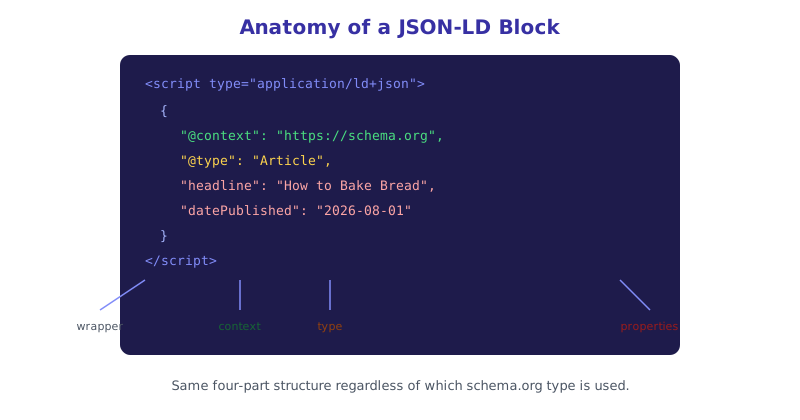
Because this lives entirely inside a <script> tag, it’s invisible to anyone viewing the page normally, and completely independent from the page’s actual visible HTML. That separation is what makes JSON-LD easier to work with than older structured data formats like microdata, which required weaving special attributes directly into the visible markup itself.
The Two Properties Every Schema Needs
@context tells parsers which vocabulary the type and property names come from. In practice this is almost always "https://schema.org", the shared vocabulary most search engines expect and understand.
@type names what kind of thing is being described, Article, Product, Recipe, FAQPage, LocalBusiness, and dozens of others, each with its own expected set of properties. This is what determines which rich result format, if any, a page becomes eligible for.
Everything else in a schema object is a property specific to that type, headline and author for an Article, price and availability for a Product, ratingValue for an AggregateRating, and so on. The full list of types and their properties lives in the schema.org vocabulary itself, which is extensive enough that most people reach for a generator rather than memorizing it.
From Schema to Rich Result
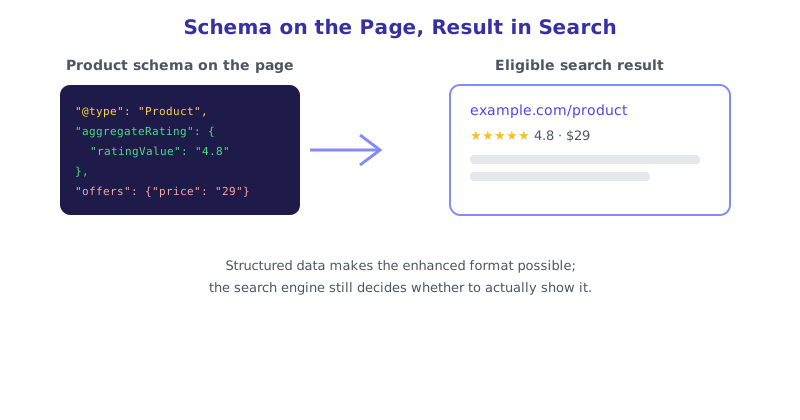
A Product schema with aggregateRating and offers properties filled in is what makes a search result eligible to show star ratings and a price directly in the results list, rather than just a plain blue link and description. An FAQPage schema is what makes an expandable question-and-answer dropdown possible right in the search results. In both cases, the schema provides the raw material; whether a search engine actually chooses to render the enhanced version is a separate decision based on relevance, quality signals, and the search engine’s own current display rules.
A Few Common Schema Types
- Article — blog posts, news articles, guides, describing headline, author, and publish date
- Product — items for sale, describing price, availability, and ratings
- FAQPage — a list of questions and answers, enabling the expandable dropdown result format
- LocalBusiness — a physical business location, describing address, hours, and contact info
- BreadcrumbList — the page’s position in a site hierarchy, shown as a breadcrumb trail in results instead of a raw URL
A single page can combine several of these where relevant, for example a product page might reasonably include both Product schema and BreadcrumbList schema together, since they describe two entirely different aspects of the same page.
Building and Checking Schema Without Guessing the Syntax
Hand-writing JSON-LD correctly means knowing exactly which properties a given type requires, which are optional, and getting the nested object structure right for things like author or aggregateRating, all easy to get subtly wrong. The JSON-LD Schema Generator builds correctly structured schema for several common types through a plain form, and the Schema Markup Validator checks existing schema against what each type actually requires, catching missing or misnamed properties that valid JSON syntax alone wouldn’t reveal.
The short version
JSON-LD embeds structured, machine-readable data about a page inside a <script type="application/ld+json"> tag, completely separate from the page’s visible content. Every schema needs @context (almost always schema.org) and @type to identify what’s being described, followed by properties specific to that type. Valid schema makes a page eligible for a richer search result, star ratings, FAQ dropdowns, breadcrumbs, though search engines still decide independently whether to actually show one. Remember that syntactically valid JSON and a valid schema are two different bars to clear, missing a required property will still fail validation even when the JSON itself parses fine.