A Unix timestamp is just a number, and that’s exactly what makes it useful and occasionally confusing at the same time. It’s a single integer that unambiguously represents one moment, with no timezone baked in and no formatting to argue about, but that same simplicity is also where the most common bugs come from, starting with seconds getting mixed up with milliseconds.
- A Unix timestamp counts seconds elapsed since midnight UTC on January 1, 1970, the "epoch"
- JavaScript's
Dateexpects milliseconds, so a raw Unix timestamp needs multiplying by 1000 first - The timestamp number itself has no timezone; timezone only applies when it's formatted for display
- Negative timestamps represent moments before 1970 and are handled normally by modern date libraries
- Systems storing timestamps as a signed 32-bit integer will overflow in January 2038
What “Seconds Since the Epoch” Actually Means
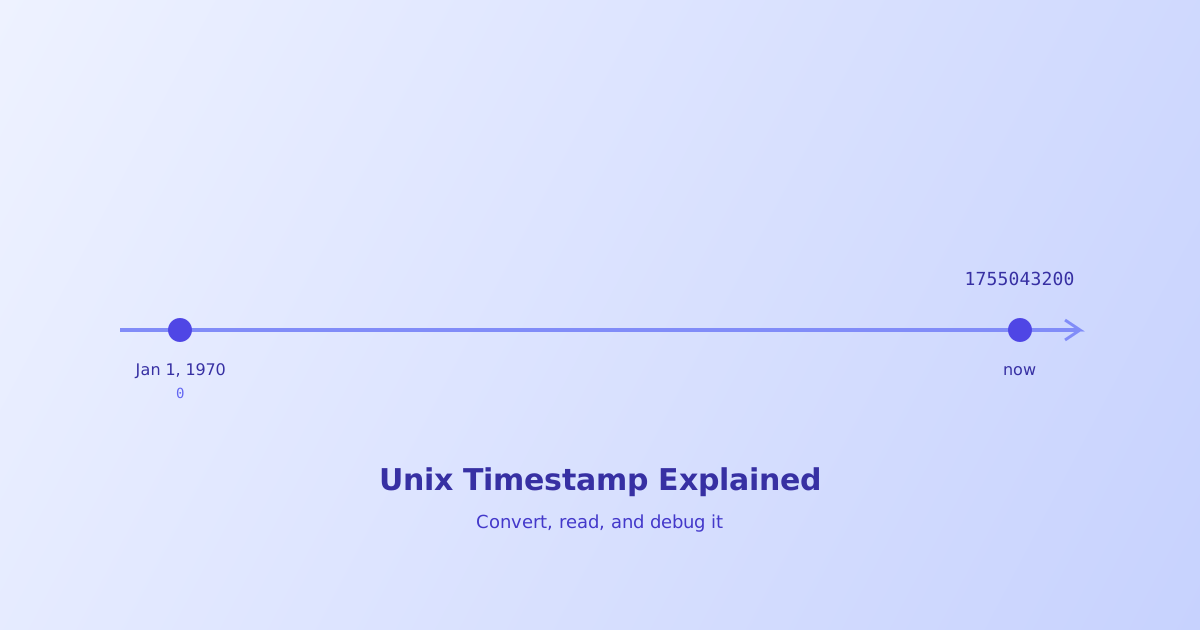
Every Unix timestamp counts up from the same fixed starting point, called the epoch: midnight UTC on January 1, 1970. A timestamp of 0 is that exact moment. A timestamp of 1755043200 means 1,755,043,200 seconds have elapsed since then.
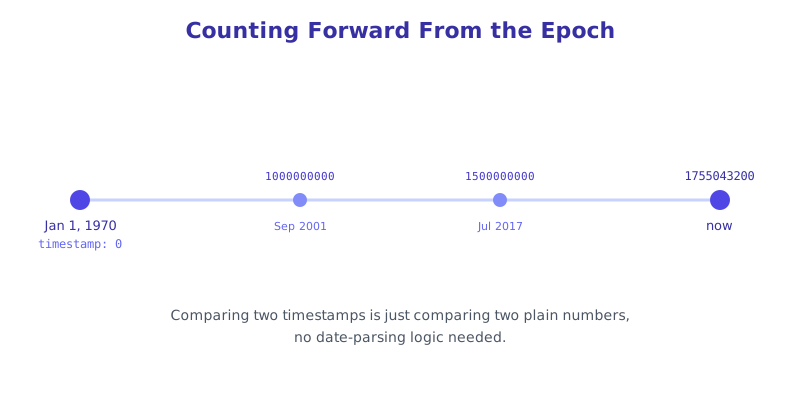
This design is what makes Unix timestamps so easy to store, compare, and sort, comparing two timestamps is just comparing two plain numbers, no date-parsing logic required. It’s also why they show up constantly in places like JWT exp/iat claims, database created_at columns, and API responses, a single integer is compact and completely unambiguous.
The Seconds vs. Milliseconds Mistake
This is the single most common bug involving Unix timestamps, and it happens because JavaScript quietly does something different from the traditional Unix standard. Date.now() and new Date() in JavaScript both work in milliseconds, not seconds, while a standard Unix timestamp from most APIs, databases, and other languages is in seconds.
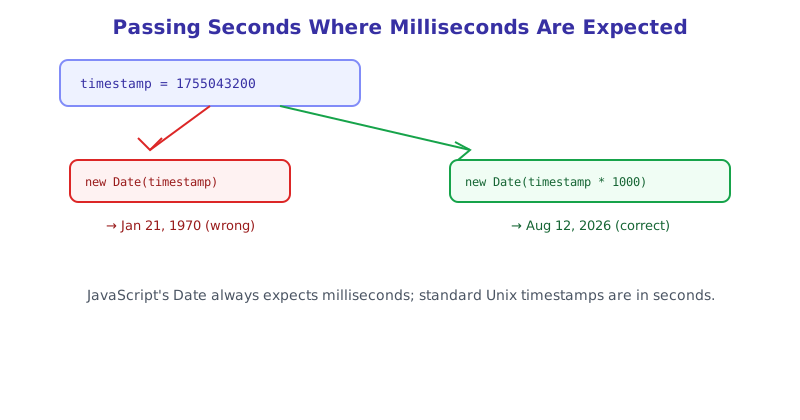
const timestamp = 1755043200; // seconds, a standard Unix timestamp

new Date(timestamp);        // wrong: interpreted as milliseconds, lands in 1970
new Date(timestamp * 1000); // correct: converted to milliseconds first
Going the other direction, when generating a timestamp to send somewhere that expects seconds, the same conversion needs to happen in reverse:
Math.floor(Date.now() / 1000); // current Unix timestamp, in secondsWhenever a decoded date looks suspiciously close to January 1, 1970, this mismatch is almost always the cause.
Why the Same Timestamp Shows Different Local Times
A Unix timestamp is defined relative to UTC and carries no timezone information of its own. What changes based on timezone is purely how that single moment gets displayed. The timestamp 1755043200 refers to one specific, fixed instant no matter who’s looking at it or where, but formatting it in Tokyo will show a different clock time than formatting the same number in New York.
This distinction matters when debugging a date that looks “wrong”: the underlying timestamp is very likely correct, and the mismatch is almost always in the display formatting step, either an unintended timezone being applied or a timezone being silently omitted where the code assumed local time.
The Year 2038 Problem
Older and embedded systems sometimes store a Unix timestamp as a signed 32-bit integer, which can only hold values up to 2,147,483,647. That specific number corresponds to a moment in January 2038. Once the actual timestamp exceeds that value, a 32-bit signed integer overflows and wraps around to a large negative number, which can be misread as a date back in December 1901, a bug with the same underlying cause as the well-known Y2K issue but tied to integer overflow rather than a two-digit year field. Systems using 64-bit integers for timestamps, which is most modern software, won’t hit this limit for tens of billions of years, effectively never in practice.
Converting and Debugging Without Doing the Math by Hand
Manually converting between a raw timestamp, a readable date, and the right timezone, especially while also tracking whether a given value is in seconds or milliseconds, is easy to get wrong under time pressure while debugging. The Unix Timestamp Converter converts in both directions instantly, detects whether a pasted value looks like seconds or milliseconds, and displays the result across multiple timezones at once so there’s no guessing which conversion step went wrong.
The short version
A Unix timestamp is a single integer counting seconds since midnight UTC on January 1, 1970, with no timezone attached to the number itself, timezone only matters at display time. The most common bug is a units mismatch, JavaScript’s Date works in milliseconds while standard Unix timestamps are in seconds, so multiply by 1000 going one direction and divide going the other. Negative values represent dates before 1970 and work normally in modern tooling; the one real structural limit is the 32-bit overflow in January 2038, which only affects systems still using an older, smaller integer size for storage.